Want to use emojis on your Chromebook like a pro? This guide shows the fastest ways to find, type, copy, and use emojis on any Chromebook in 2026.
Have you ever been chatting with a friend, posting on Instagram, or commenting on TikTok using your Chromebook and suddenly wanted to add an emoji? Many Chromebook users know the feeling.
You are typing a message, trying to express excitement, laughter, or love, but you cannot find the emoji keyboard. It can feel frustrating when everyone else seems to use emojis effortlessly.
The good news is that Chromebook makes emoji access surprisingly easy once you know where to look.
If you want to add a simple 😊 smiley face, create aesthetic captions, or use trending emojis from 2026, this guide covers everything you need.
You’ll learn what Emoji On Chromebook means, how to access the emoji picker, popular emoji combinations, social media styling ideas, troubleshooting tips, and the latest emoji trends.
By the end, you’ll be able to use emojis confidently across messages, emails, social media posts, and online conversations.
What does Emoji On Chromebook mean?
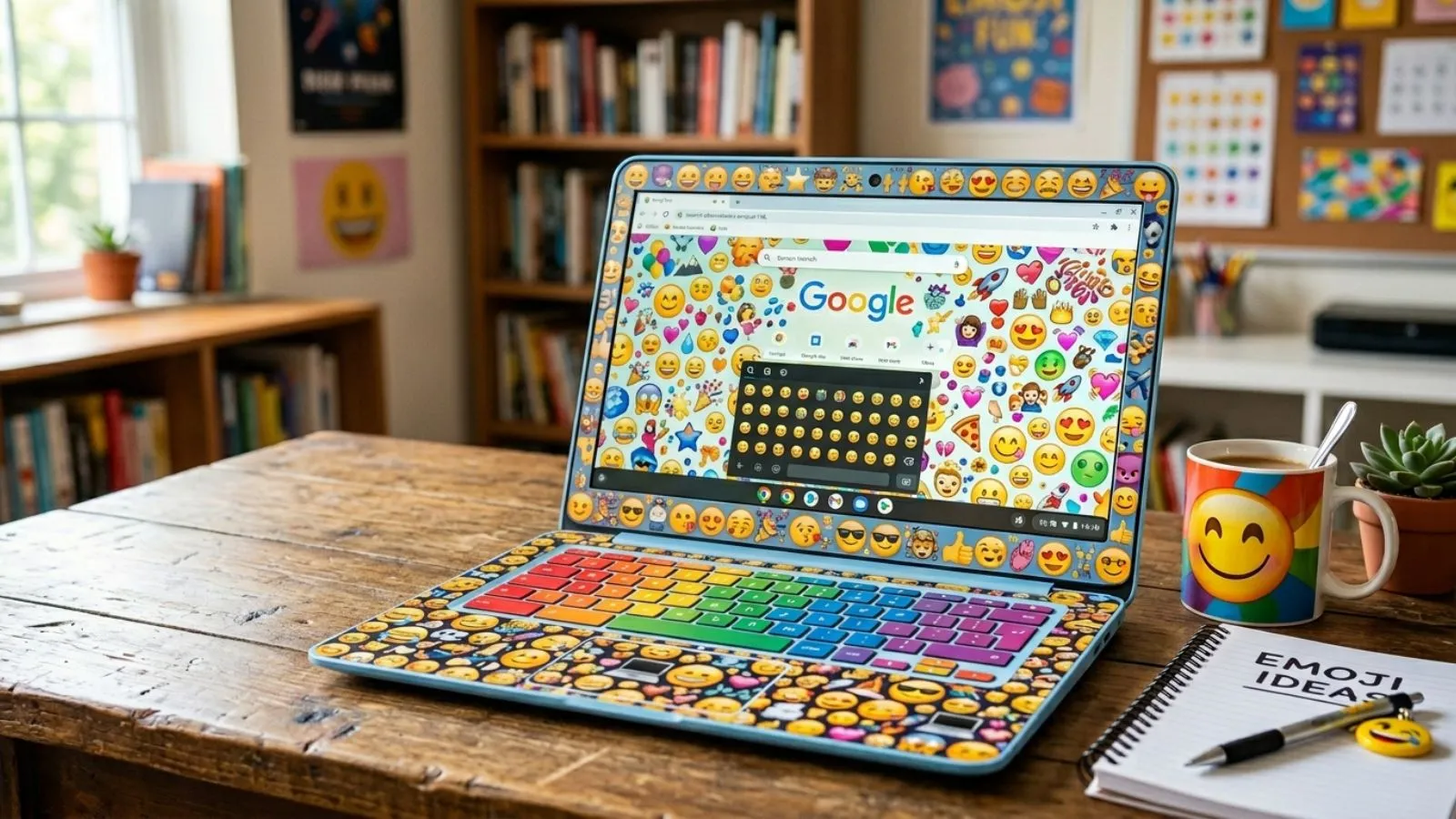
Emoji On Chromebook refers to using the built-in emoji keyboard and emoji picker available on ChromeOS devices.
Emojis help users:
- Express emotions quickly
- Make messages more engaging
- Add personality to social media posts
- Improve communication without extra words
- Create visually appealing captions
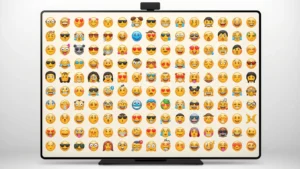
Chromebooks support thousands of emojis, including:
| Category | Examples |
|---|---|
| Smileys | 😀 😊 😂 🤣 😍 |
| Hearts | ❤️ 🩷 💜 💙 💚 |
| Animals | 🐶 🐱 🦊 🐼 |
| Food | 🍕 🍔 🍩 🍓 |
| Symbols | ⭐ ✨ 💯 🔥 |
Today, emojis are commonly used in emails, chats, Instagram captions, TikTok comments, WhatsApp messages, and online communities.
How to use Emoji On Chromebook emojis
Using emojis on a Chromebook is simple.
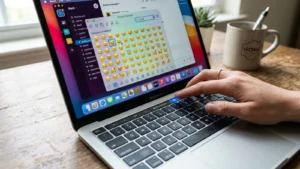
Method 1: Keyboard Shortcut
Press:
Launcher/Search Key + Shift + Space
This opens the emoji picker instantly.
Method 2: Right-Click Menu
- Place the cursor inside a text box.
- Right-click.
- Select Emoji.
- Choose your favorite emoji.
Example Usage
- Good morning ☀️😊
- I passed my exam 🎉🥳
- This looks amazing 🔥😍
- Let’s go 🚀✨
Popular Everyday Emojis
- 😊 Happy
- 😂 Laughing
- ❤️ Love
- 👍 Approval
- 🎉 Celebration
- 🔥 Excitement
- 😎 Cool
- ✨ Aesthetic
Best emoji combinations for copy paste
Ready-to-use emoji combinations make posts more fun and attractive.
Cute Combinations
- 🥺👉👈
- 😊💖
- 🌸💕🌸
- 🐻🤎✨
- 💕😊💕
Love Combinations
- ❤️✨
- 💞🥰
- 😘❤️
- 💖🌹
- 💘😍
Aesthetic Combinations
- ✨🌙🤍
- ☁️🦋✨
- 🌷💫🤍
- 🌸🍓🎀
- 🕊️🤍✨
Trendy Combinations
- 🔥💯
- 😭✋
- 💀😂
- 🚀🔥
- ✨📸✨
Instagram Bio Ideas
- ✨ Dream Big ✨
- 🌙 Living My Story 🤍
- 🎀 Positive Vibes Only 🎀
- ☁️ Creating Memories ☁️
- 🌸 Happiness First 🌸
Aesthetic emoji ideas for social media
Aesthetic emojis help content stand out on social platforms.
- ✨ 🌸 🤍 ☁️ 🌙
- 📸 💕 ✨ 🎀 🌷
Example:
✨ Chasing dreams one step at a time 🌙🤍
TikTok
- 🎵 🔥 💀 😂 🚀
Example:
This trend is actually confusing💀🔥
WhatsApp Status
- 🌸✨ New beginnings ✨🌸
- ❤️ Grateful every day ❤️
- ☁️ Peaceful mind ☁️
Pinterest Style
- 🤍✨🌙
- 🌿🤎🍂
- 🕊️☁️🤍
These combinations create a clean and modern visual style.
Common problems and solutions
Emoji Picker Not Opening
Try:
- Restart your Chromebook
- Update ChromeOS
- Check keyboard shortcuts
Emojis Look Different
Different platforms display emojis differently.
For example:
- Android emojis
- iPhone emojis
- Windows emojis
- Chromebook emojis
The meaning remains mostly the same even when designs differ.
Missing New Emojis
If newer emojis are unavailable:
- Update ChromeOS
- Restart your device
- Check system language settings
Copy-Paste Emoji Issues
If copied emojis appear as boxes:
- The website may not support that emoji
- The browser may need updating
- The font may not support newer emoji versions
Trending emoji usage in 2026
Several emojis continue dominating social media conversations in 2026.
Most Popular Emojis
- 😂 Face with Tears of Joy
- ❤️ Red Heart
- 🔥 Fire
- 💀 Skull
- ✨ Sparkles
- 😭 Loudly Crying Face
- 🥹 Face Holding Back Tears
- 🤍 White Heart
- 🚀 Rocket
- 🎀 Pink Bow
Viral Meanings
| Emoji | Popular Meaning |
|---|---|
| 💀 | That’s hilarious |
| 🔥 | Amazing or impressive |
| ✨ | Aesthetic or magical |
| 🚀 | Growth or success |
| 🎀 | Cute and trendy |
| 🤍 | Pure love and positivity |
| 😭 | Strong emotions |
| 💯 | Completely agree |
2026 Social Media Trends
- Soft aesthetic captions using 🤍✨🌸
- Funny reactions using 💀😭
- Motivation posts with 🚀🔥
- Lifestyle content featuring ☁️🌙✨
- Cute content using 🎀🩷🌸
FAQs
How do I open emojis on a Chromebook?
Press the Launcher/Search key + Shift + Space to open the emoji picker.
Can I use emojis in Google Docs on Chromebook?
Yes. The Chromebook emoji picker works in Google Docs, Gmail, and most apps.
Why do Chromebook emojis look different?
Emoji designs vary between operating systems and apps while keeping similar meanings.
Can I copy and paste emojis on Chromebook?
Yes. You can copy emojis from websites or the built-in emoji picker and paste them anywhere.
What are the most popular Chromebook emojis in 2026?
🔥, ❤️, 💀, ✨, 😭, 🚀, 🎀, and 🤍 are among the most commonly used emojis.
Do all websites support emojis?
Most modern websites do, but some older platforms may not display newer emojis correctly.
Conclusion
Emojis have become a natural part of online communication, and Chromebook users have plenty of easy ways to access them.
If you want to express emotions in chats, create eye-catching Instagram captions, react to Ticktock trends, or personalise Whats App messages, the built-in Chromebook emoji tools make the process quick and simple.
Learning keyboard shortcuts, using ready-made emoji combinations, and understanding trending meanings can help you communicate more effectively and creatively.
As emoji trends continue evolving in 2026, staying updated ensures your messages feel modern, engaging, and relevant.
From aesthetic sparkles and hearts to viral skull and fire emojis, Chromebook users can enjoy the full emoji experience with just a few clicks.
Start experimenting with different combinations, personalise your conversations, and make every message more expressive, fun, and memorable.